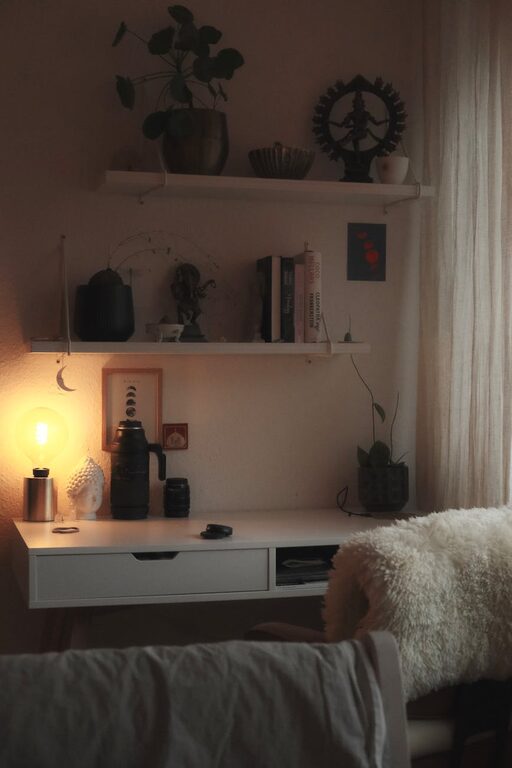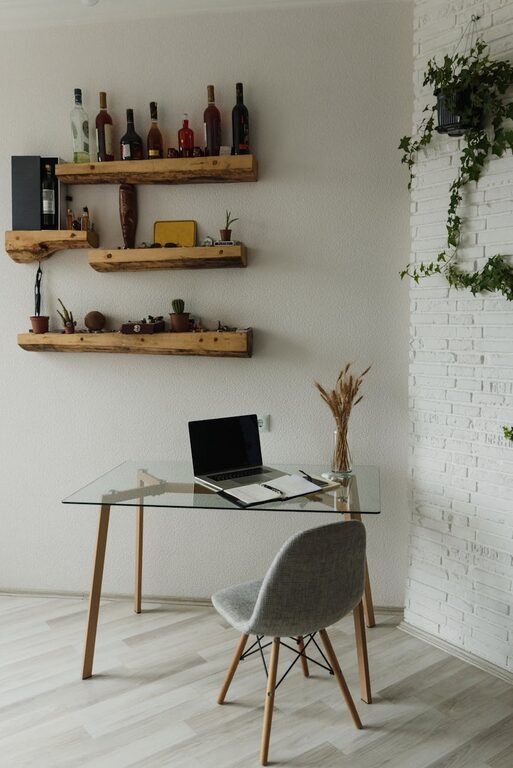
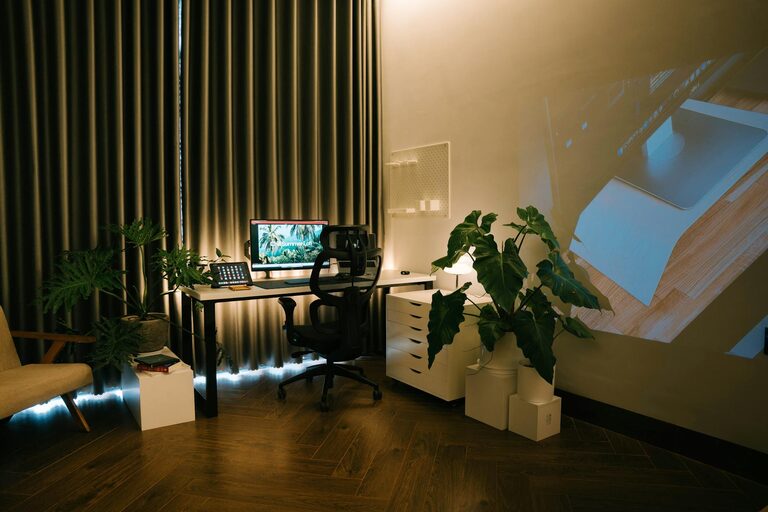
Creating a home workspace that is both cozy and productive can significantly improve your daily work experience. Whether you’re working remotely full-time or just need a dedicated space for occasional tasks, having an environment that supports focus and comfort is essential. In this post, we’ll explore practical tips to help you design a home workspace that feels inviting while enhancing your productivity.
Why Your Workspace Matters
Your workspace affects how you feel and work throughout the day. A cluttered or uncomfortable area can lead to distractions and fatigue, while a well-organized, cozy space encourages concentration and creativity. Balancing comfort with functionality is key to maintaining motivation and getting work done efficiently.
Choose the Right Location
Start by selecting the best spot for your home workspace. Consider these factors:
– Natural light: Position your desk near a window if possible. Natural light can reduce eye strain and elevate your mood.
– Quietness: Find a quiet corner or room away from daily household distractions.
– Space: Ensure there is enough room for your necessary equipment and some personal touches.
If space is limited, even a small nook with a compact desk can work well.
Invest in Comfortable Furniture
Your furniture is the foundation of a productive workspace.
– Ergonomic chair: A chair with good lumbar support helps maintain proper posture and prevents back pain.
– Desk height: Choose a desk at a comfortable height to avoid strain on your wrists and shoulders.
– Adjustability: If possible, opt for adjustable furniture to customize your setup as needed.
Comfortable seating and a well-sized desk will help you stay focused for longer periods.
Organize Your Workspace Effectively
A tidy, organized space reduces distractions and saves time searching for things.
– Declutter regularly: Remove items that don’t serve a purpose for work.
– Use storage solutions: Drawers, shelves, and organizers help keep supplies neat and accessible.
– Cable management: Use clips or ties to keep cords under control and off your desk surface.
Keeping your area organized creates a calming environment conducive to productive work.
Personalize Your Space
Adding personal touches makes your workspace feel welcoming and motivates you.
– Plants: Small indoor plants add life and improve air quality.
– Artwork or photos: Display images or artworks that inspire and make you happy.
– Colors: Choose soothing or energizing colors for your decor, depending on your preference.
Personalization should enhance focus, so keep decorations meaningful but minimal.
Optimize Lighting
Proper lighting is crucial for reducing eye strain and maintaining alertness.
– Natural light: Maximize daylight by opening curtains or blinds.
– Task lighting: Use a desk lamp with adjustable brightness for focused work.
– Ambient lighting: A softly lit room prevents harsh contrasts and supports a relaxed atmosphere.
Avoid glare on screens by positioning lights thoughtfully.
Minimize Distractions
Keeping distractions to a minimum helps maintain productivity.
– Turn off notifications: Silence non-essential phone and computer alerts.
– Create boundaries: Communicate your work hours with household members.
– Use noise control: Consider noise-canceling headphones or background music if helpful.
Creating a focused zone allows you to dive into tasks more easily.
Incorporate Healthy Breaks
Comfort includes accounting for your physical and mental well-being.
– Stretch regularly: Take short breaks to move and stretch your body.
– Hydrate and snack: Keep water and healthy snacks nearby to stay energized.
– Change scenery: Step outside or move to a different room occasionally to refresh your mind.
Frequent breaks improve concentration and prevent burnout.
Technology Setup
An efficient tech setup supports smooth workflow.
– Reliable internet: Ensure your connection is strong and stable.
– Ergonomic accessories: Consider a wireless keyboard and mouse to reduce strain.
– Monitor height: Position your monitor at eye level to avoid neck discomfort.
Keeping your technology user-friendly enhances your overall comfort and focus.
Maintain a Routine
Finally, establish a routine that suits your work style.
– Set working hours: Define when your workday starts and ends.
– Dress for work: Dressing comfortably but professionally can help signal a shift into work mode.
– Plan tasks: Use a planner or app to organize daily goals and priorities.
A consistent routine helps separate work from leisure, even when working from home.
—
Creating a cozy and productive home workspace is about blending comfort with practical organization. By applying these tips, you can transform any space into an inviting hub for creativity and concentration. Remember, your ideal workspace should reflect your personal needs and preferences, so don’t hesitate to experiment until you find what works best for you.
About the Author