Creating a home office that feels both cozy and functional is a rewarding way to boost your productivity while enjoying your work environment. Whether you’re working remotely, studying, or managing personal projects, your workspace should support focus and comfort. Below are helpful tips to design a home office that balances style and practicality.
Choose the Right Location
Selecting the ideal spot in your home is the first step in crafting a great office space. Consider these factors:
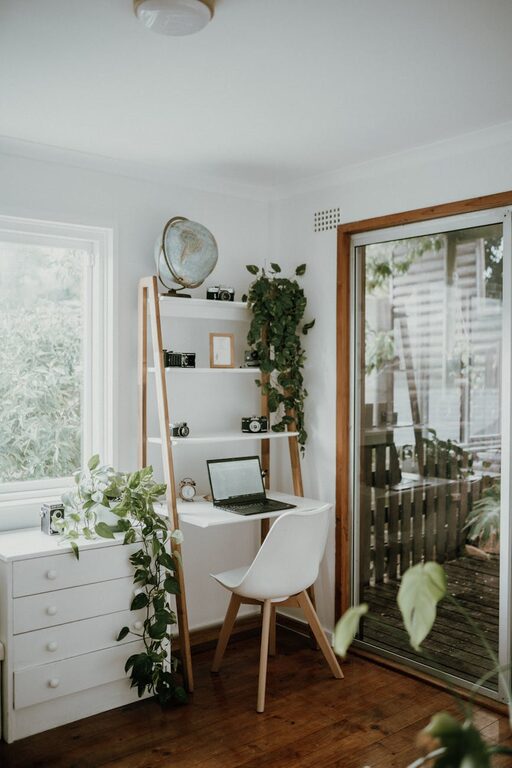
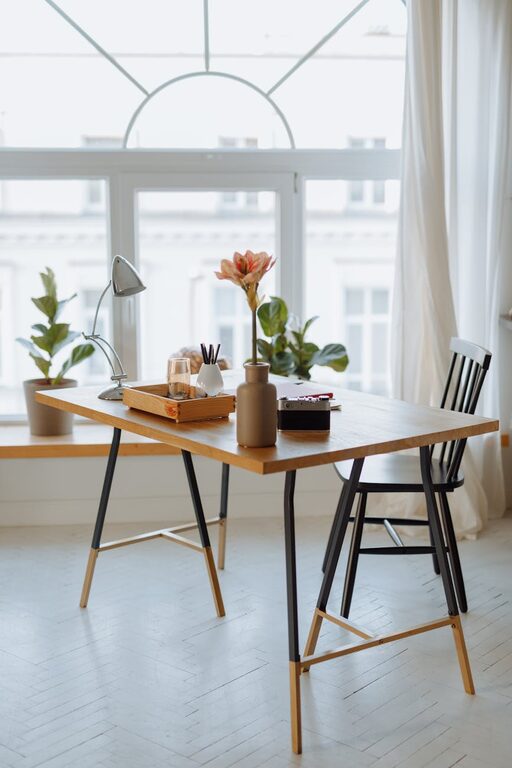
– Natural light: Position your desk near a window if possible. Natural daylight helps improve mood and energy.
– Quietness: Find a space away from high-traffic areas to reduce distractions.
– Space availability: Choose an area with enough room for a desk, chair, and any additional equipment or storage you’ll need.
Invest in Comfortable and Supportive Furniture
Your furniture plays a major role in both comfort and productivity.
– Ergonomic chair: Pick a chair that supports good posture with adjustable height, lumbar support, and comfortable padding.
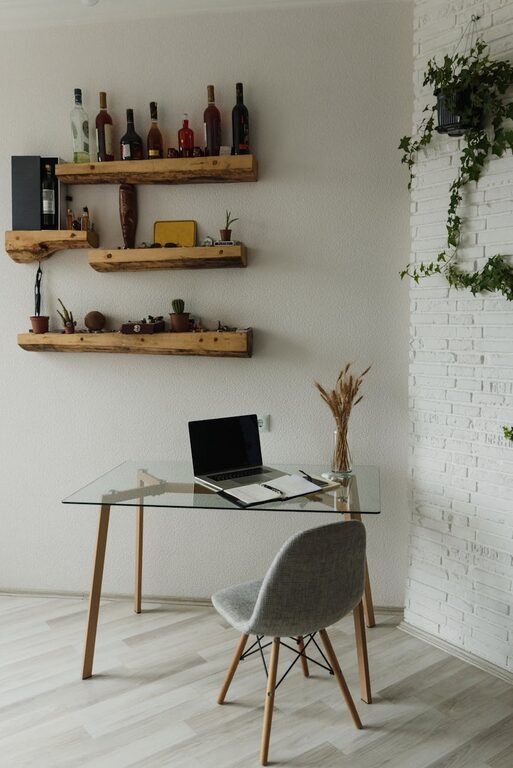
– Appropriate desk: Depending on your needs, choose a desk with enough surface area for your computer, notebooks, and other essentials. Consider a sit-stand desk if you like flexibility.
– Additional seating: If space allows, include a small couch or armchair to give yourself a spot to take breaks or read.
Optimize Lighting for Every Task
Good lighting reduces eye strain and enhances focus.
– Layered lighting: Use a combination of natural light, overhead lighting, and task lamps.
– Adjustable desk lamp: A lamp with adjustable brightness and angle helps focus light exactly where needed.
– Avoid glare: Position screens and lamps to prevent reflections and glare on your monitor.
Organize Efficiently
A clutter-free space helps clear your mind and keeps you productive.
– Storage solutions: Use shelves, filing cabinets, or storage boxes to keep documents and supplies organized.
– Desk organizers: Keep pens, paperclips, and other small items tidy.
– Cable management: Use clips or sleeves to keep wires neat and out of the way.
Personalize Your Space
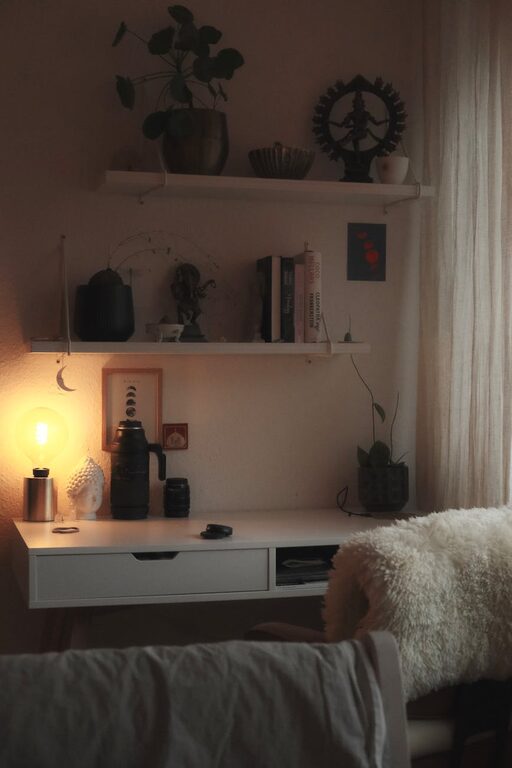
Adding touches you love makes your office a pleasant place to spend time.
– Plants: Small indoor plants improve air quality and add calming greenery.
– Artwork: Hang inspiring posters, prints, or photos.
– Comfort items: Use cozy rugs, cushions, or a soft throw to add warmth.
Embrace Technology Wisely
Technology can streamline work but shouldn’t overwhelm.
– Reliable devices: Use up-to-date and dependable hardware like laptops or monitors.
– Peripherals: Invest in an external keyboard, mouse, and possibly a second screen to increase efficiency.
– Noise-canceling headphones: Useful in noisy environments or to focus during virtual meetings.
Maintain Good Airflow and Temperature
A comfortable climate helps you stay alert.
– Ventilation: Make sure your office has good airflow; open windows when possible.
– Fans or heaters: Use small appliances to adjust the temperature to your comfort.
– Air quality: Consider air purifiers if needed.
Create a Routine-Friendly Environment
Design your space and habits to support your daily workflow.
– Daily setup: Clear your desk at the end of each day.
– Schedule breaks: Step away regularly to stretch or relax.
– Separate work and leisure: If possible, keep your office just for work to help you mentally switch modes.
Final Thoughts
Designing a cozy and functional home office does not require a big budget or renovation. Thoughtful choices about location, furniture, lighting, storage, and personal touches can transform a corner of your home into an inspiring workspace. The key is to create an environment where you feel comfortable and motivated to do your best work every day. With the right setup, working from home can be both productive and enjoyable.
About the Author