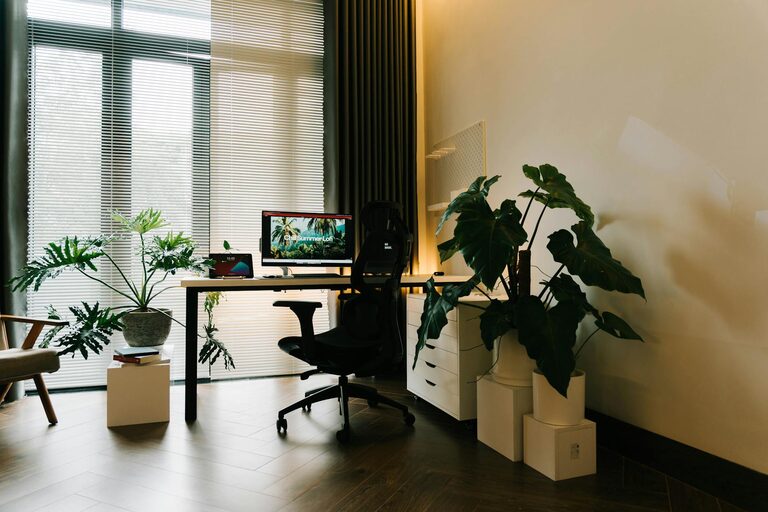
Creating a home office that encourages productivity while providing comfort is essential for remote workers, freelancers, or anyone who spends a significant amount of time working from home. A well-designed space can improve focus, reduce stress, and help you maintain a healthy work-life balance. Here are some practical tips to help you create a comfortable and productive home office space.
Choose the Right Location
The first step in setting up a home office is selecting a suitable location. Ideally, choose a space that is quiet and away from high-traffic areas to minimize distractions.
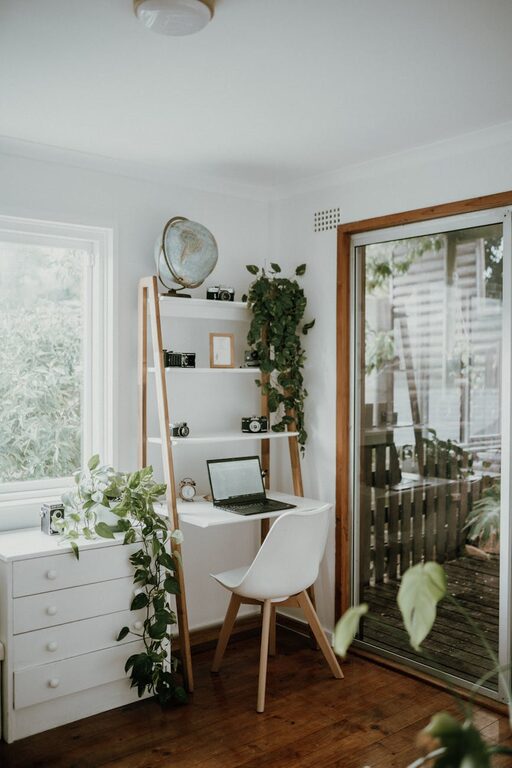
– Natural Light: Try to pick a spot near a window to take advantage of natural light. This can boost your mood and reduce eye strain.
– Space Considerations: Make sure the area has enough room for your desk, chair, and any other equipment you need without feeling cramped.
Invest in Ergonomic Furniture
Comfort is key when you’re sitting for long periods. Ergonomic furniture helps maintain good posture and prevents discomfort and injuries.
– Ergonomic Chair: Choose a chair with adjustable height, lumbar support, and comfortable padding.
– Desk Height: Your desk should allow your elbows to be at a 90-degree angle when typing.
– Foot Support: If your feet don’t rest flat on the floor, consider a footrest for additional support.
Organize Your Workspace
Clutter can distract and reduce your productivity. Keeping your workspace organized helps maintain focus and saves time looking for essentials.
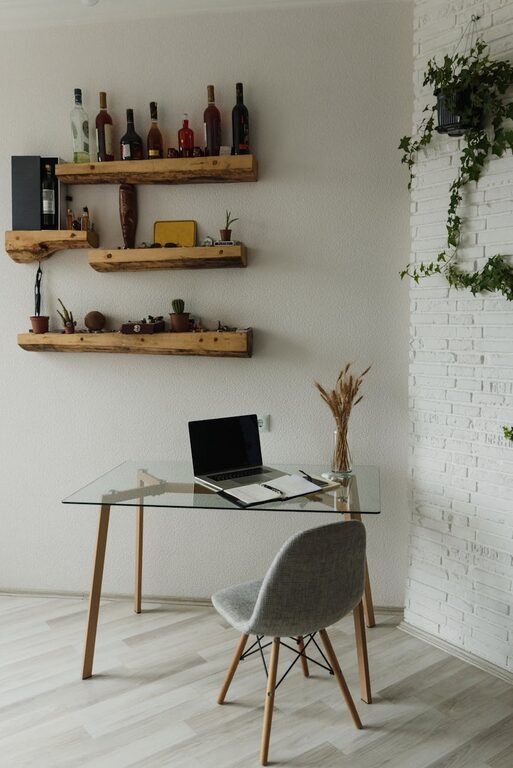
– Storage Solutions: Use shelves, drawers, and organizers to keep supplies tidy.
– Cable Management: Use clips or boxes to keep cords and cables neatly arranged.
– Minimalist Setup: Keep only the items you use daily on your desk.
Optimize Lighting
Proper lighting reduces eye strain and helps you stay alert.
– Task Lighting: A desk lamp with adjustable brightness can be helpful for detailed work.
– Avoid Glare: Position your computer screen to avoid glare from windows or overhead lights.
– Balanced Lighting: Combine natural light with artificial lighting for consistent brightness throughout the day.
Use Technology Wisely
Having the right technology can streamline your work and improve efficiency.
– Reliable Internet: A fast and stable internet connection is essential for video calls and online tasks.
– Quality Equipment: Invest in a good monitor, keyboard, and mouse to reduce fatigue.
– Headphones: Noise-canceling headphones can help block distractions and enhance focus.
Personalize Your Space
Adding personal touches can make your workspace more inviting and help you feel motivated.
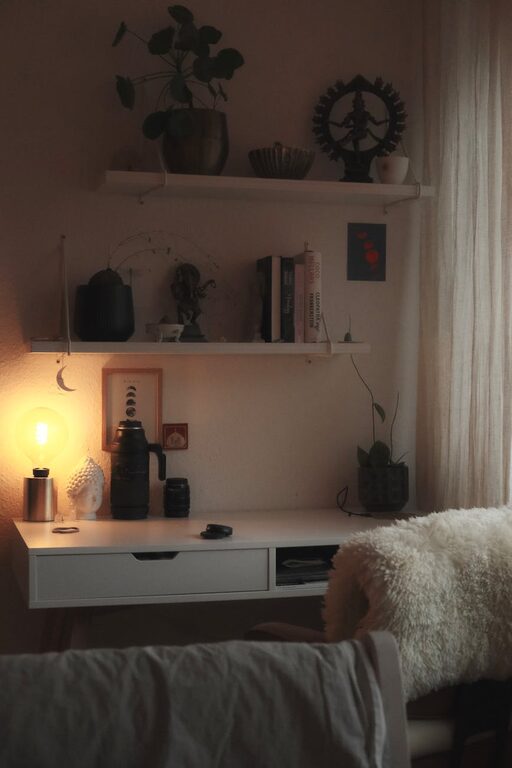
– Decor: Use artwork, plants, or photos to brighten the room.
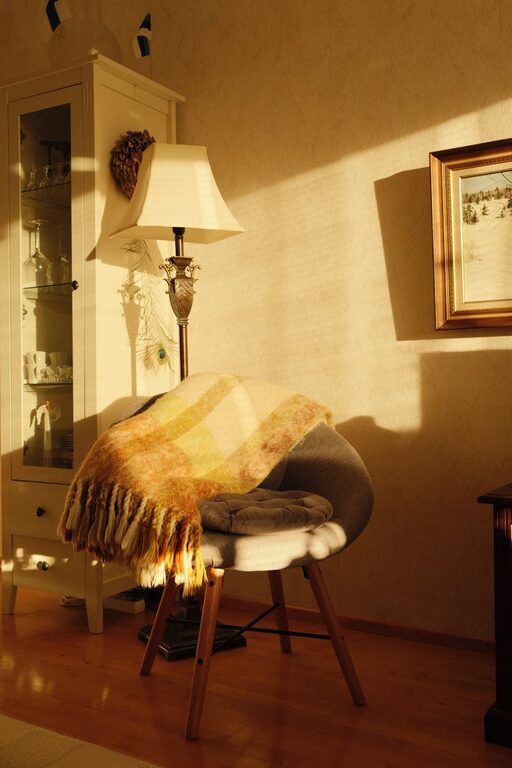
– Comfort Items: Consider a cushion or a throw blanket for extra coziness.
– Inspiration: Place motivational quotes or a vision board nearby.
Establish Clear Boundaries
Setting boundaries between work and personal life helps avoid burnout.
– Dedicated Workspace: Keep work materials within your office area to mentally separate work from relaxation.
– Work Hours: Set specific start and end times for your workday.
– Breaks: Schedule regular breaks to stretch, hydrate, and rest your eyes.
Maintain Good Air Quality
Fresh air and good ventilation contribute to your overall well-being and concentration.
– Open Windows: When possible, open windows for fresh air.
– Air Purifiers: Consider using an air purifier to reduce dust and allergens.
– Plants: Adding indoor plants can improve air quality and add a natural touch.
Keep It Clean and Tidy
A clean workspace promotes a clear mind.
– Regular Cleaning: Wipe down surfaces and vacuum regularly.
– Daily Tidying: Spend a few minutes at the end of the day organizing your desk.
—
Designing a home office space that combines comfort and productivity doesn’t have to be complicated or expensive. By choosing the right location, investing in ergonomic furniture, organizing your workspace, and personalizing the environment, you can create a space that helps you focus and enjoy your work-from-home routine. Remember to set boundaries and care for your physical and mental well-being to make the most out of your home office.
About the Author